Tag: How to…
-
We love Coolors.co

No that’s not a misstype! Coolors.co is a fab website for creating colour palettes that really work.You can explore which colours gel well and it’s gets bonus points for giving you the hex codes for each colour in the palette too 🙂 If you go back to your book, you…
-
Creating a Facebook Group to promote your yearbook

Setting up a facebook group is a great way to keep your classmates updated and remind them of deadlines for profile entries and awards voting etc. If you’re a whizz on social media, this may just be the marketing strategy for you 🙂 Clicking onto ‘create group’ will bring up a…
-
Font Pairing 101

The fonts you choose for your books will really influence the finished look of your pages so it’s worth spending a little time getting the perfect selection in place. First think about your theme for the book as this will probably affect your choices straight away. If you’re looking to…
-
Working those PNGs
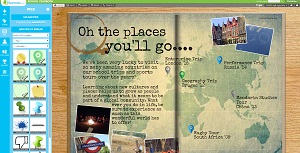
I know I’ve said it before but I’m so excited to see this new feature in action. New for 2016 is our great selection of stock PNG images which come pre-loaded into all books 🙂 This means perfect page embellishments are now readily available for everybody. Whether you want to…
-
Pre-order your 2016 sample yearbook today!
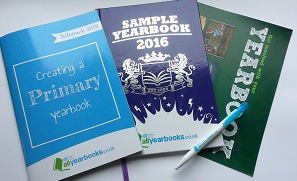
Exciting news everybody, our 2016 sample books will be ready in just a weeks time so don’t forget to pre-order yours now to ensure you’re the first to get your hands on a copy! This year we’ve kicked things up a gear and you’ll be receiving an epic hardback sample…
-
Copy Design tool has arrived!

A creative process usually involves exploring lots of different ideas before you settle on your final design. Now you’ve made an awesome page, you’ll probably be looking for a super quick and easy way to copy theme elements to other pages. That clever font palette you put together for your…
-
Navigating the page designer
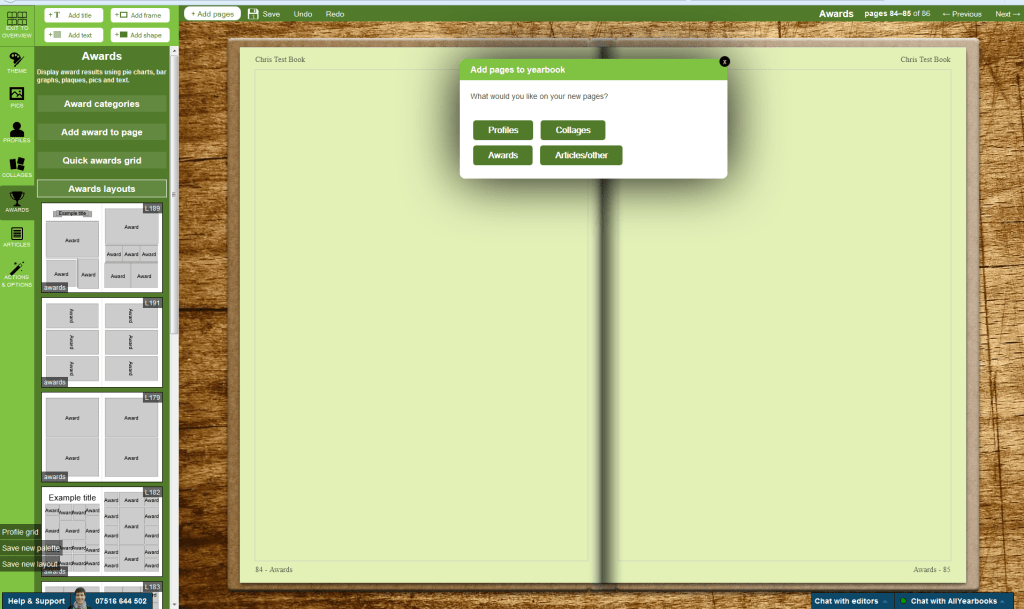
It’s starting to get really busy now and we’ve introduced a few changes to the toolbar in your page designer to help streamline the process of adding content. Firstly you’ll see the add title text, add body text, add frame and add shape icons are now shown at the top…
-
Custom Page Uploads

Sometimes you need real freedom to truly bring your ideas to life and a custom page often fits the bill in these circumstances. Custom pages are made entirely offline using software of your choosing, i.e. word or photoshop, and you then upload them to the book 🙂 You can make…
-
Fantastic Fonts
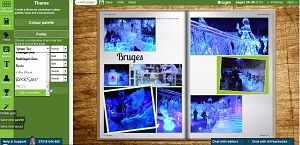
Customising your yearbook is central to making your book unique and personal to your school or group. To help you get the most out of your designs, we now support over 600 different fonts ! That’s a huge increase from the 31 fonts we supported last year 😀 Horray! To…
-
Tutorial video playlist
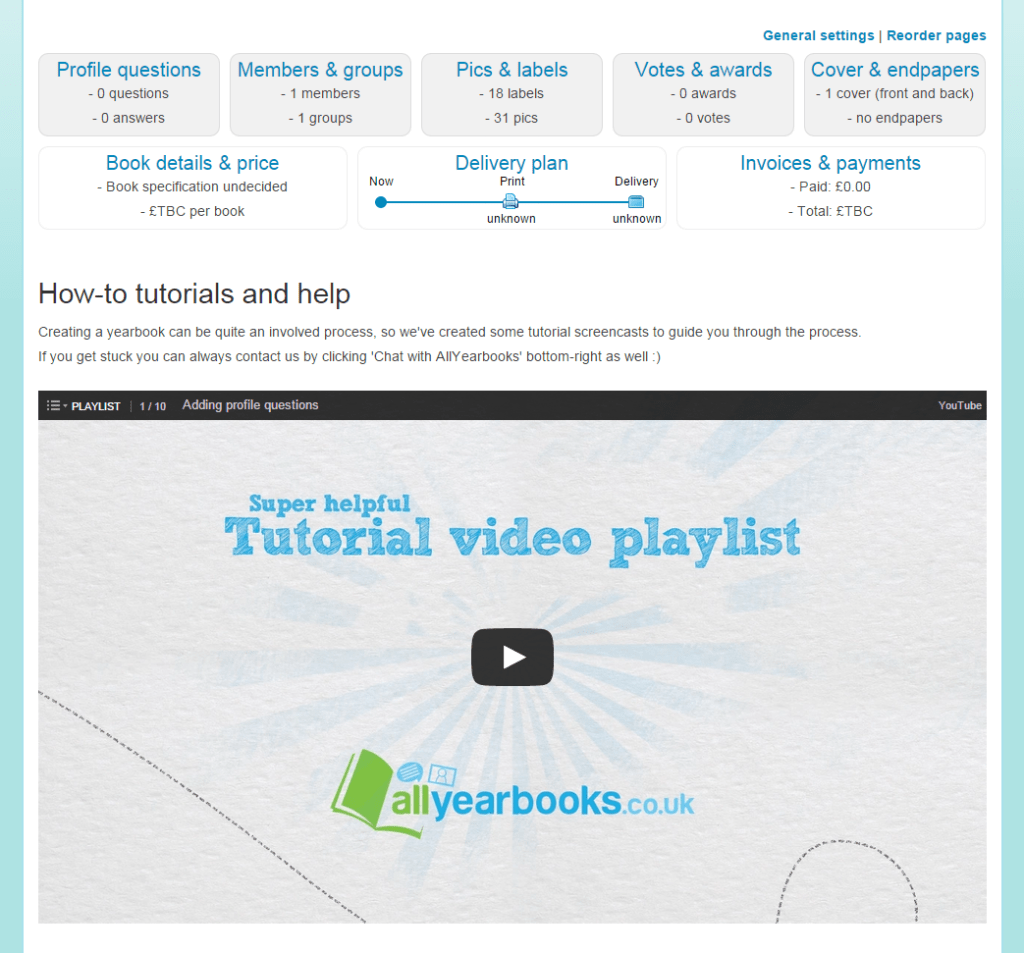
With the addition of our new page designer, and with lots of features coming all the time, we’ve added some how-to tutorials to help you get started. A playlist of short, easy-to-follow tutorials is now visible within your yearbook on the “Design & Manage” tab, and you can also view…
 AllYearbooks Blog