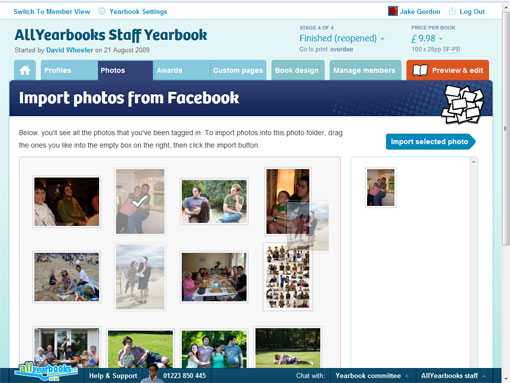
We’ve just launched a really, really cool feature: importing photos you’re tagged in on Facebook into your yearbook!
No more finding photos on Facebook, right clicking, saving to your computer then re-uploading them to AllYearbooks.
When in a photo folder you simply click the ‘F import’ button and you’re whisked away to a page on Facebook where it asks you whether or not to give AllYearbooks access to your photos. After doing that, just select the photos you want to import. That’s it. Easy.
 AllYearbooks Blog